Configuration of MinIO
Configuring access to MinIO service for Object Storage SDK
- Go to <domain_folder>/config/MinIO directory, create it if not exists.
- Edit or create if not exists config.xml file.
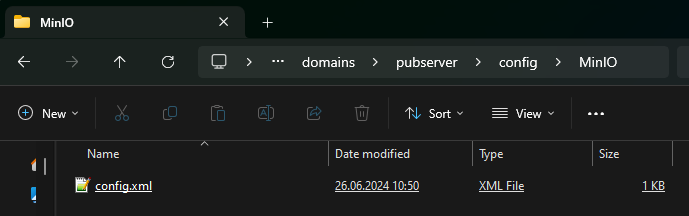 3. The default configuration is:
<minioConfiguration>
    <endpoint>http://127.0.0.1:9000</endpoint>
    <accessKey>minioadmin</accessKey>
    <secretKey>minioadmin</secretKey>
</minioConfiguration>
- endpoint - MinIO server address
- accessKey - user name
- secretKey - password
Configuring access to MinIO service for Rendering Service
- Go to
rendering-worker-servicedirectory. - Edit application.yml file.
- The default configuration is:
  priint:
      objectstore:
          minio:
            endpoint:  http://127.0.0.1:9000
            access-key: ${MINIO_ACCESS_KEY:minioadmin}
            secret-key: ${MINIO_SECRET_KEY:minioadmin}
- endpoint - MinIO server address
- MINIO_ACCESS_KEY - user name
- MINIO_SECRET_KEY - password